
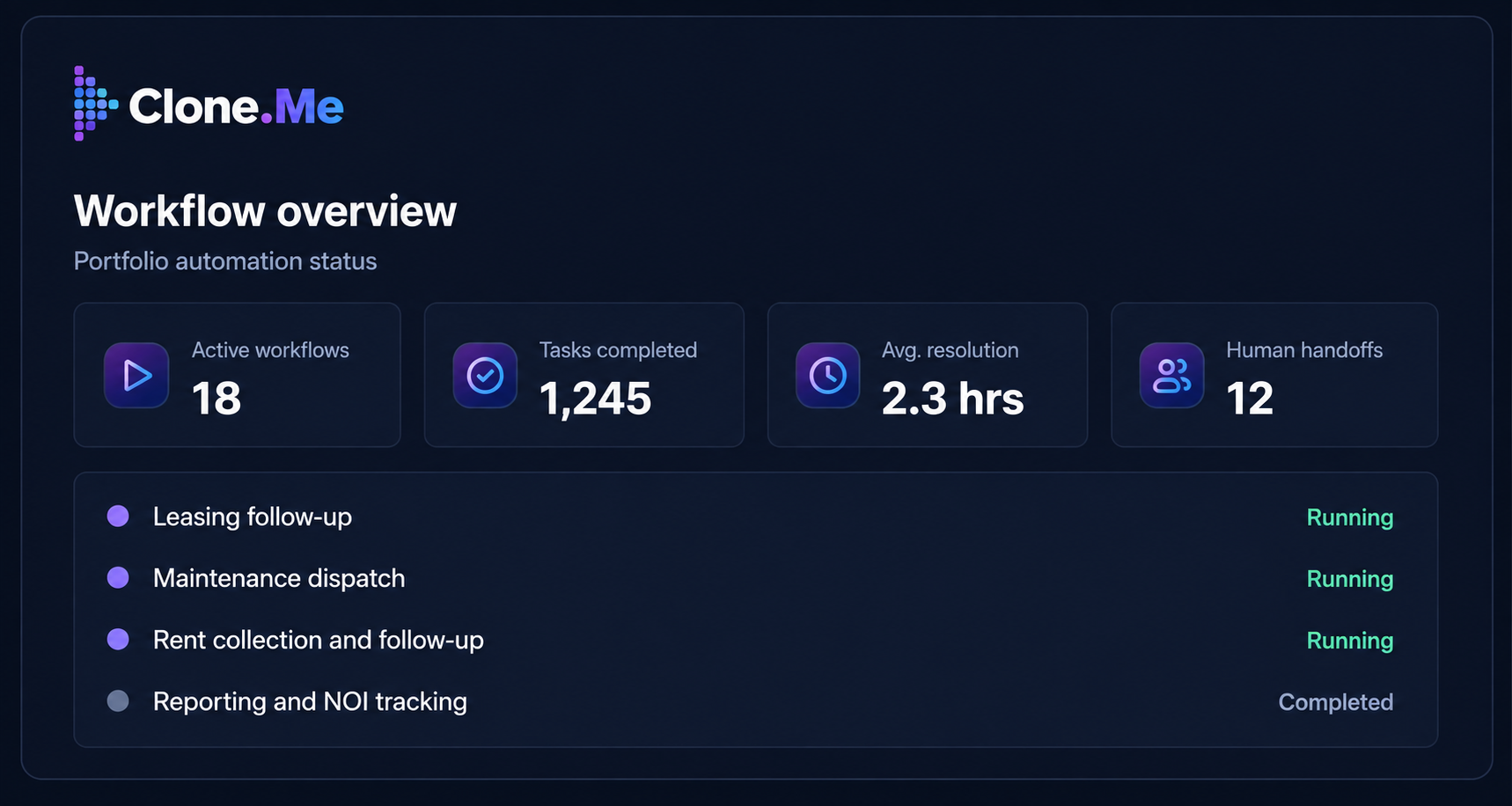
Most advice on multifamily back-office automation, and property management automation generally, says to automate everything, across every system, all at once. In practice, that produces a backlog no team has the bandwidth to run.
The back office generates the same repetitive tasks every week: leasing follow-up, maintenance dispatch, rent reminders, reporting. Some of that work has clear rules and predictable volume; some of it doesn't. Right now, the decision isn't whether to automate. It's which workflow earns the first attempt.
Onsite property-level turnover climbed past 29% this past year, and operators running 5,000 or more units name staffing as their single biggest operational constraint (NAA, 2026). Every hour a back-office task eats up is an hour a stretched team doesn't have to give somewhere else.
A multifamily back office should start with one high-volume, repetitive workflow, such as leasing follow-up, maintenance dispatch, or rent collection, rather than attempting broad automation at once. The strongest starting point has clear rules, consistent volume, and measurable turnaround time, so results and gaps are both visible early.
If your team already runs a tool that handles prospect conversations, that's a different layer of the operation. This is about the execution work behind it: the follow-up after a lead responds, the dispatch after a resident submits a request, the reporting that happens once the data is already sitting in five different systems.
Multifamily back-office automation and front-office conversation tools solve different problems, and mixing them up is the fastest way to choose the wrong starting point.
CloneMe approaches this as governed execution: a Clone takes on the repetitive coordination work under human-in-the-loop oversight, rather than functioning as generic AI for multifamily operations bolted onto the front office. That distinction matters, because most back-office AI tools on the market today are still built around answering questions, not carrying a workflow through to completion.
The workflows worth automating first share three traits: high volume, low complexity, and rules that don't change much from property to property. Picking one of those, running it well, and using the result to decide what comes next beats trying to redesign the whole back office in one pass.
Every inquiry that doesn't get a same-hour response is a colder lead by the time someone gets to it. This is one of the highest-volume, most rule-based tasks in the back office: capture the inquiry, respond, route it into the correct sequence, and hand off cleanly once a tour is booked. It's a strong first candidate because the rules rarely change and the volume holds steady across every property in the portfolio.
Governed execution here means the handoff to a person is built in wherever a prospect asks something outside the script, not something that happens by accident once the system runs out of answers.
Work orders that sit unassigned for a day are the ones that turn into a resident complaint. Dispatch coordination, routing a request to the right vendor or technician, confirming the appointment, following up if nothing happens, is repetitive and rules-based in exactly the way that makes it a good early candidate. It's also one of the workflows where a dropped handoff costs the most, since it shows up directly in resident satisfaction.
Automating the coordination layer doesn't remove the judgment calls. It means nothing sits untouched waiting for someone to notice it.
Reminders, late notices, and payment plan follow-up happen on a predictable schedule, at high volume, and mostly follow the same rules every time. That combination is what makes rent collection ready for automation now. This is also where governance earns its place.
Anything that touches a resident ledger needs a human-in-the-loop checkpoint before an action that affects what someone owes, not after. Done well, the workflow sends routine reminders on schedule and stops the moment something doesn't fit the pattern. A dispute, a hardship case, a payment that doesn't match- any of those go straight to a person instead of continuing through the automated sequence.
Pulling numbers out of five systems into one report every week is volume without much judgment attached, which makes it an easy early win. The workflow itself doesn't change: same sources, same format, same cadence. What changes is who spends Monday morning assembling it instead of reading it.
Reporting is also a low-risk place to start, because the output gets reviewed by a person before any decision gets made on it. That review step is what governed execution should feel like: the work gets done, a person still signs off.
Renewal outreach follows a predictable calendar: a first touch at 90 days, a follow-up at 60, an escalation at 30. That predictability is what makes it automatable now rather than later.
The workflow tracks the calendar, sends the outreach, and flags anything that needs a person: a resident who hasn't responded by the date that matters, a rate question, a lease term outside the standard renewal. It's smaller in volume than leasing or maintenance, but it's a clean one to pair with a first workflow if the team wants to prove out two at once.
Chasing a vendor for a quote, a schedule confirmation, or an invoice is repetitive coordination work with almost no judgment involved until something goes wrong. That makes it a reasonable candidate, though a smaller one than the others on this list, better suited to a team that's already automated one or two higher-volume workflows and wants to extend the same approach.
The rules here are usually clear: which vendors, which properties, what counts as a completed job. The exceptions: a vendor dispute, a quality issue, still go to a person.
Not every back-office task belongs on this list yet, and the difference comes down to three questions.
● How much volume does it carry? Twice-a-week tasks aren't worth automating first, no matter how annoying they are. Fifty-times-a-week tasks are worth the first attempt.
● How repetitive is it? If the task changes shape depending on the resident, the lease, or the vendor relationship, it isn't ready. Look for tasks that follow the same steps in the same order every time, no matter who's handling them.
● How clear are the rules? A workflow with a documented process, even an informal one everyone on the team already follows, is easier to automate well than one where three team members would each handle it differently.
Workflows that don't clear these three- heavy exception handling, judgment-heavy resident situations, no documented process- aren't off the table. They're just not the first move. Save them for once the team has a working pattern to build on.
Picking a starting workflow is a scoping decision, not a strategy decision. It gets one workflow moving, produces a result the team can evaluate, and builds the pattern for the next one. Getting the first workflow right is what makes the second one easy, and that's what turns automation from a one-off fix into consistency at scale across the portfolio.
The workflows above are entry points. Each one goes deeper in its own piece: keeping performance consistent across the portfolio, what leasing follow-up looks like day to day, how maintenance dispatch actually runs, the reporting metrics that move NOI, and rent collection and delinquency in more depth.
Ready to see how governed execution would work on one of these? Book a demo is the direct route. For most operations leaders, the more useful first step is picking the workflow above and reading the piece that goes deeper on it.
The best first workflow is whichever one carries the highest volume, the most repetition, and the clearest rules, most often leasing follow-up, maintenance dispatch, or rent reminders. Portfolio size and current pain points should decide which of those goes first.
A workflow is ready when it has high, consistent volume, follows the same steps regardless of who handles it, and has a documented, even informal, process. Workflows that depend on case-by-case judgment calls aren't ready yet.
No. It removes repetitive coordination work, follow-up, dispatch, and data pulls, so existing teams can handle more volume without adding headcount. Judgment calls and resident-facing decisions still go to a person.