
Ask for a video. Your clone makes the whole thing.
One message to your clone gets you a finished, captioned video in your voice, with you presenting whenever you want.
Automated Video is the full production crew inside your clone. Tell it the idea and it researches the topic, writes the script the way you talk, plans the scenes, generates images, motion graphics and video clips, adds voiceover in your voice, music and captions, then assembles the final cut. It can put you on screen from your headshot.
Pick from 89 video types, from StoryTime and tutorials to sports shorts and music videos, or bring your own script. Get landscape for YouTube, vertical for Shorts, Reels and TikTok, and a square version when you ask. Want control? Your clone sends the script and storyboard first so you can change a line or swap a shot.
Just tell your clone: Automated Video
Type it the way you'd say it. Tap any line to copy it.
- Make a 60-second vertical explainer on why I switched my bakery to sourdough. I'm presenting.Copy
- Make a 6-minute History video on the first Tour de France, landscape. Send me the script first.Copy
- Make a Top 10 on the best hidden beaches in Portugal, and a square version too.Copy
- Use my script word for word for this week's channel update. Fast cuts, captions on.Copy
- Every Monday, make a 45-second motivation short for my fitness page. No review needed.Copy
- Make a Product Review of my new standing desk from these photos. Show me the storyboard first.Copy
This is what it looks like.
- 1Open your clone's Chat tab. Every clone has one, right next to Knowledge, Schedule and Skills.
- 2Ask in plain words. “Make a 60-second explainer on why my bakery switched to sourdough, vertical, with me presenting.”
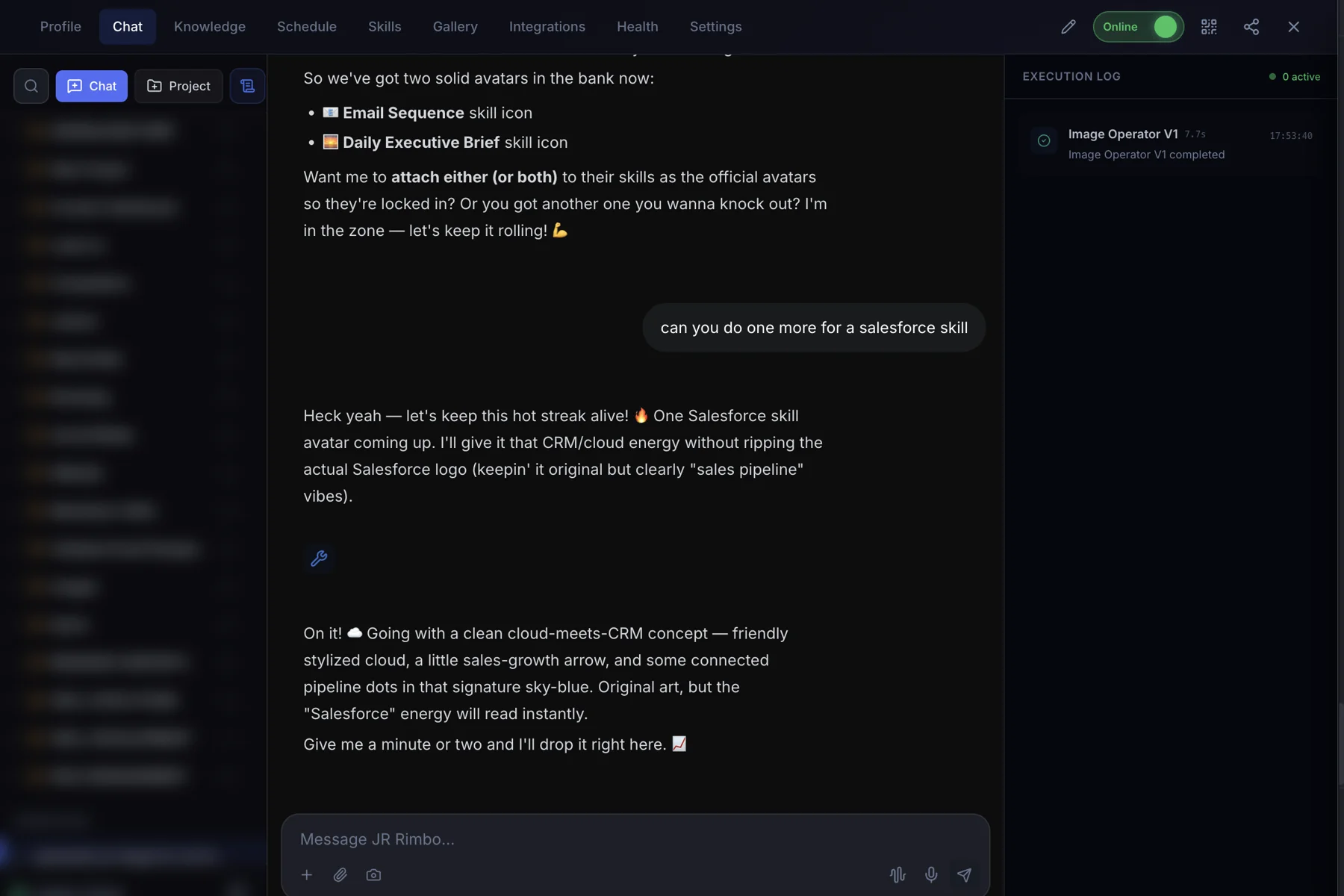
- 3Watch Automated Video run. The Execution Log on the right shows each skill as it starts and finishes, then your result lands in the chat.
 123
123Pick a type, or just describe it
Creator & Story
11 typesStorytime, vlogs, channel intros, Q&A, reactions, challenges, builds and drama.
Explainer & Education
15 typesExplainers, how-tos, history, lists, comparisons, reviews and mini-docs.
Promo & Short-form
5 typesPromos, trailers, highlights and short-form announcements.
News & Briefs
7 typesDaily briefs, news stories, trend and political analysis.
Sports Shorts
9 typesVertical sports takes, stats and picks in 30 to 60 seconds.
Sports Mid-form
13 types16:9 sports analysis and debate, 3 to 8 minutes.
Local & Lifestyle
6 typesEvents, neighborhoods, travel, fashion and grand openings.
Sales & Marketing
6 typesCustomer stories, case studies, product reviews, partner spotlights, sales coaching and thought leadership.
Product
4 typesProduct demos, roadmaps, whiteboard explainers and virtual tours.
People & Training
6 typesOnboarding, training, recruiting, change management, courses, webinars and team highlights.
Leadership & Governance
4 typesExecutive briefings, compliance and security overviews, security briefings and CSR spotlights.
Made by clones
Automated Video: questions, answered.
How many video types are there?
There are 89 video types, grouped into categories like Creator & Story, Explainer & Education, Promo & Short-form, News, Sports, Lifestyle, Music and Business. Each has its own structure, pacing and visual style. You can also hand over your own script.
Do I have to approve every video?
No. You can ask to see the script and storyboard before rendering, or let your clone go straight to the finished video. Scheduled series can run hands-off once you like the format.
Can my clone post the video for me?
Your clone emails the finished video with a ready-to-post title, description and tags. With the YouTube Operator it can upload to your channel. TikTok and Instagram posts are up to you.
What does it cost?
Individuals can start with the 30-day Free Trial, then pick the plan that fits.
Automated Video for your team
Clone.org covers how businesses put this skill to work through a digital employee.