Creator Solutions · Clone Media

Your clone is your media studio.

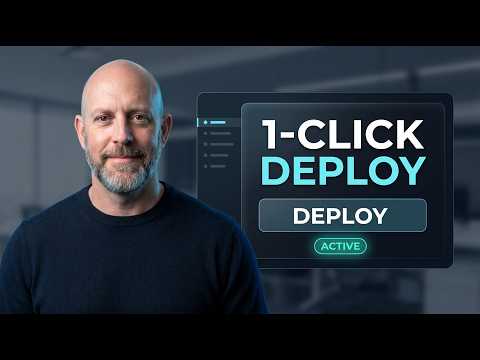
Videos with you on screen, thumbnails that look like you, voiceovers in your voice. Ask your clone and it makes them.

89video types
12media skills
18video models
16:9 · 9:16 · 1:1every format
Two ways to use it

Clone yourself, or hire a clone.
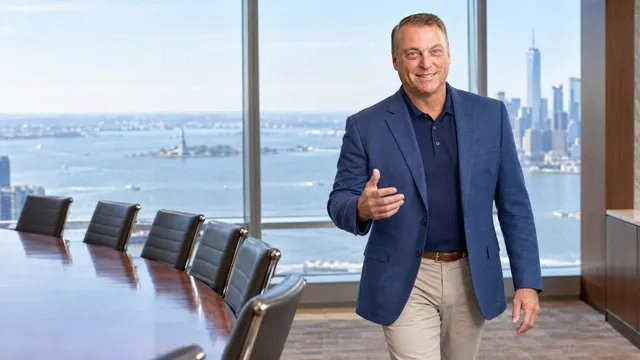
The same media skills power both. Pick the side that sounds like you.

For creators · clone yourself

Your clone makes your content.

You stay the face and the voice. Your clone does the research, scripting, editing and rendering, and hands you a finished piece to post.

  • Videos with you on screen, in your voice, without filming
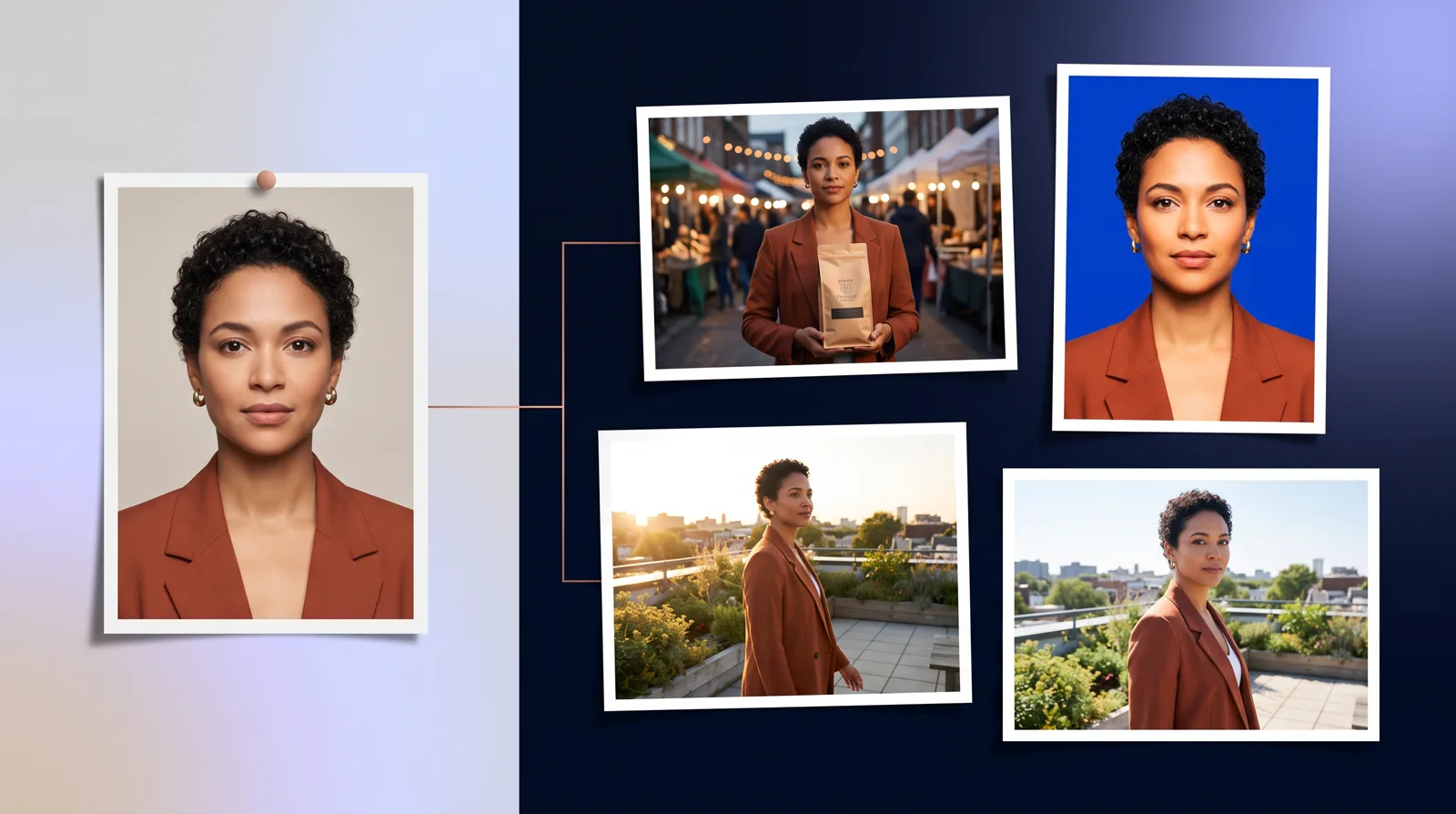
  • Thumbnails and images that actually look like you
  • Shorts, vlogs, storytime, explainers, music videos and more
  • Approve the script and storyboard before anything renders
Build My Clone →
For business · digital employees

Hire a clone that runs your video marketing.

A digital employee that turns your knowledge base into product demos, training, customer stories and social content, on a schedule.

  • Product demos, onboarding and training videos from your docs
  • Customer stories, executive updates and recruiting videos
  • Brand-consistent images and ad creatives at volume
  • Costs a fraction of an agency or an in-house editor
See Clone Media for business on clone.org →
How to

Just tell your clone

Everything on this page starts with one message. Tap any line to copy it, then paste it to your clone.

  • Make a 60-second vertical StoryTime about my first day running the café. I'm presenting. Send me the script first.Copy
  • Make a YouTube thumbnail of me pointing at a giant map, bold text WHERE NEXT?Copy
  • Read this week's newsletter in my voice and send me the MP3.Copy
  • Make a 20-second chill lo-fi intro for my podcast, no vocals.Copy
  • Cut the first 10 seconds off this clip, add my logo and give me an MP4 and a GIF.Copy
  • Upload my new video to YouTube as unlisted and add it to my Recipes playlist.Copy
  • Turn this photo of my handmade lamp into a cinematic product clip.Copy
  • What should my next video be about? Give me a brief I can approve.Copy
Every media skill

One clone. 12 media skills.
Each skill is something your clone can do the moment you ask. Mix them: plan a video, make the thumbnail, cut a teaser, voice the newsletter.

Video

From a one-line idea to a finished, captioned video in your voice. Pick from 89 video types, or hand your clone a script.

Flagship

Automated Video

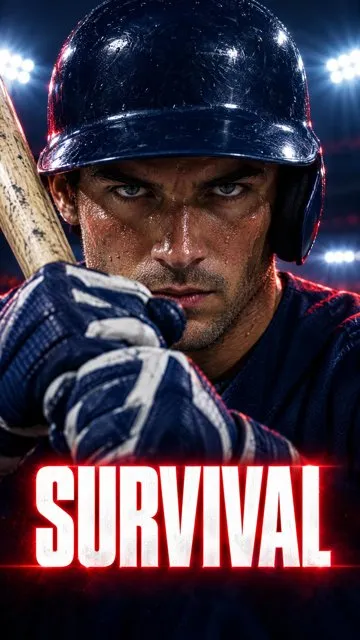
Your clone researches, writes, storyboards and produces a finished video in your voice, with you on screen when you want.

Tell your clone: “Make a 60-second explainer on why my bakery switched to sourdough, vertical, with me presenting.”
  • 89 video types across 13 categories
  • Landscape, vertical and square
  • Script and storyboard review: edit lines, swap shots, then approve
  • Delivered with a ready-to-post title, description and tags

Avatar Video+

Your clone speaks an exact script on camera from a single image you choose, and emails you the finished video.

Tell your clone: “Record my welcome message for new members using my headshot. Here's the script.”

UGC Video

A 30-second UGC-style video built from one to four reference images and a plain-language request.

Tell your clone: “Make a UGC-style video of someone unboxing our candle and loving the scent. Here are 3 product photos.”

Product Video

Turns a product photo into an AI-enhanced hero image, then into a short cinematic product clip.

Tell your clone: “Turn this photo of our sneaker into a slow, cinematic product shot on a wet city street.”

Video Clips

Generate clips from text, images, portraits and audio with 18 models from six leading providers.

Tell your clone: “Animate this photo of the lake at sunrise into a 5-second clip with slow mist.”

Video Planner

Picks a strong, timely topic and builds a production-ready brief with format, length and style.

Tell your clone: “What should my next video be about this week? Give me a brief I can approve.”

Images

Thumbnails, headshots, ad creatives, infographics and scenes with you in them, generated and edited in chat.

Flagship

Image Operator

Generates and edits images: thumbnails, marketing creatives, infographics and images of you, consistent from shot to shot.

Tell your clone: “Make a YouTube thumbnail of me holding a giant coffee cup, shocked face, bold text 'I QUIT CAFFEINE'.”
  • Images of you that actually look like you
  • Thumbnails, ads, posters, infographics
  • Edit any image in plain language
  • Private download links for every image

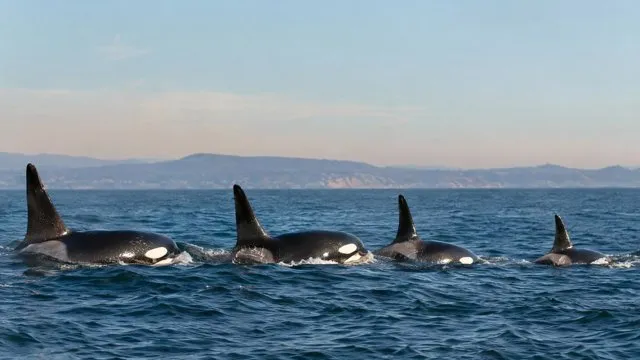
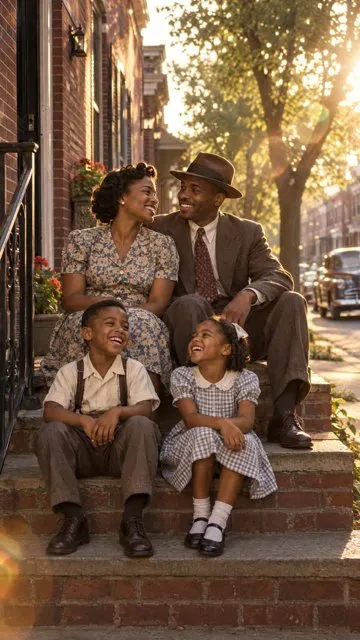
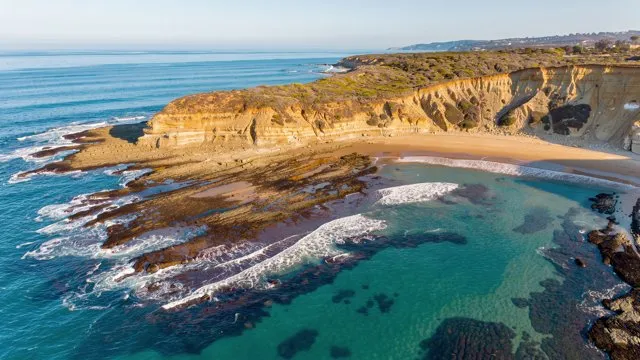
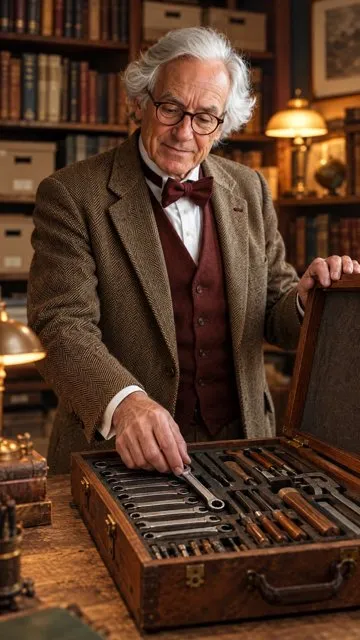
Every size you post in, every kind of scene. All made by clones.

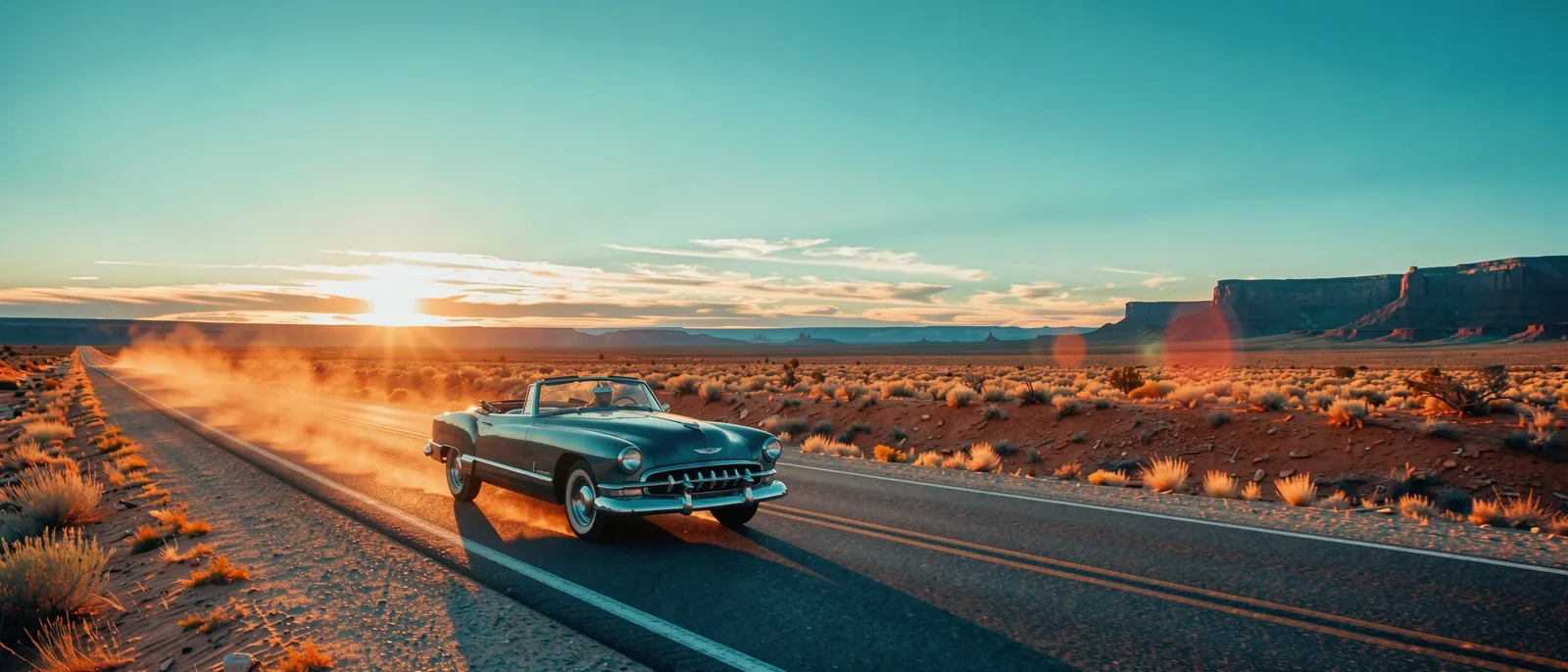
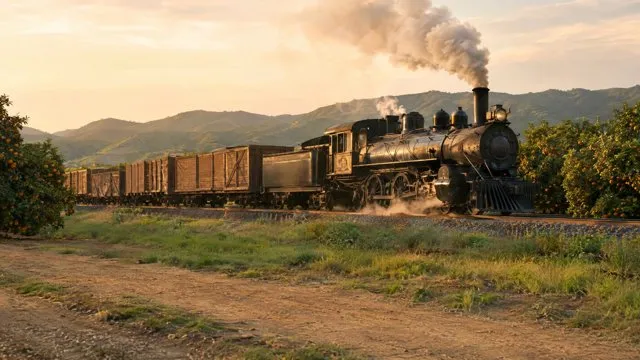
Cinematic banner (21:9) made by a clone
21:9Cinematic banner
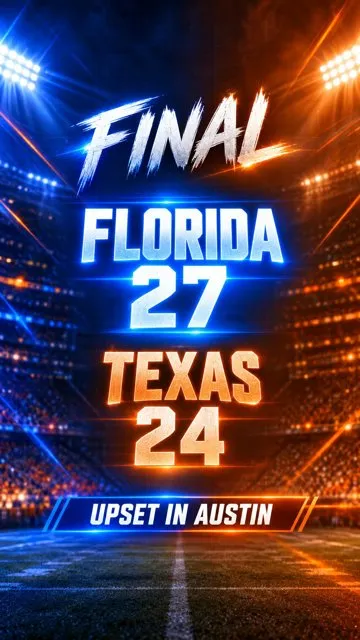
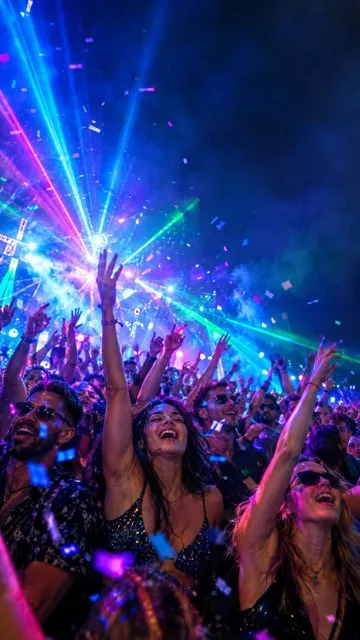
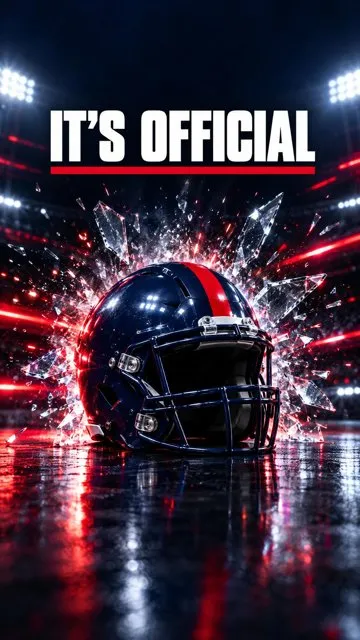
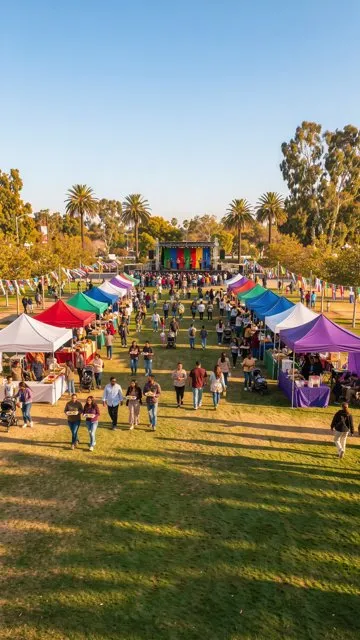
Event Short (9:16) made by a clone
9:16Event Short
Instagram post (1:1) made by a clone
1:1Instagram post
Social ad (4:5) made by a clone
4:5Social ad
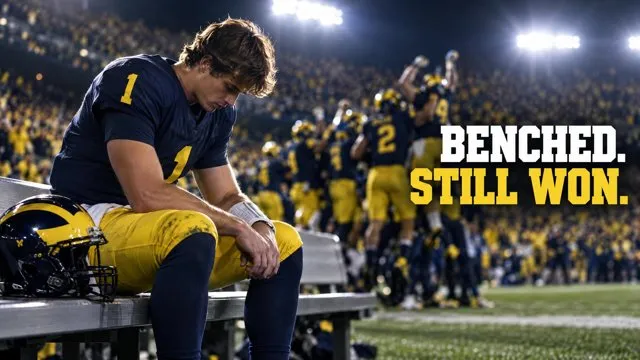
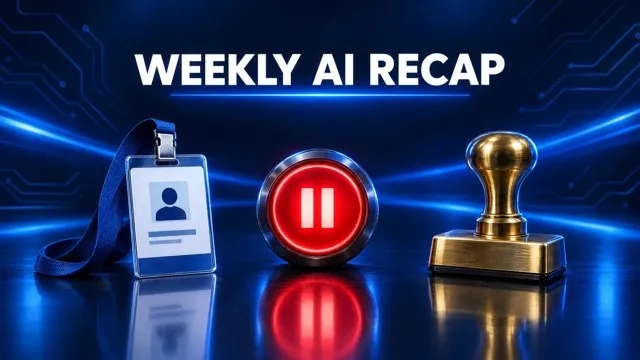
YouTube thumbnail (16:9) made by a clone
16:9YouTube thumbnail
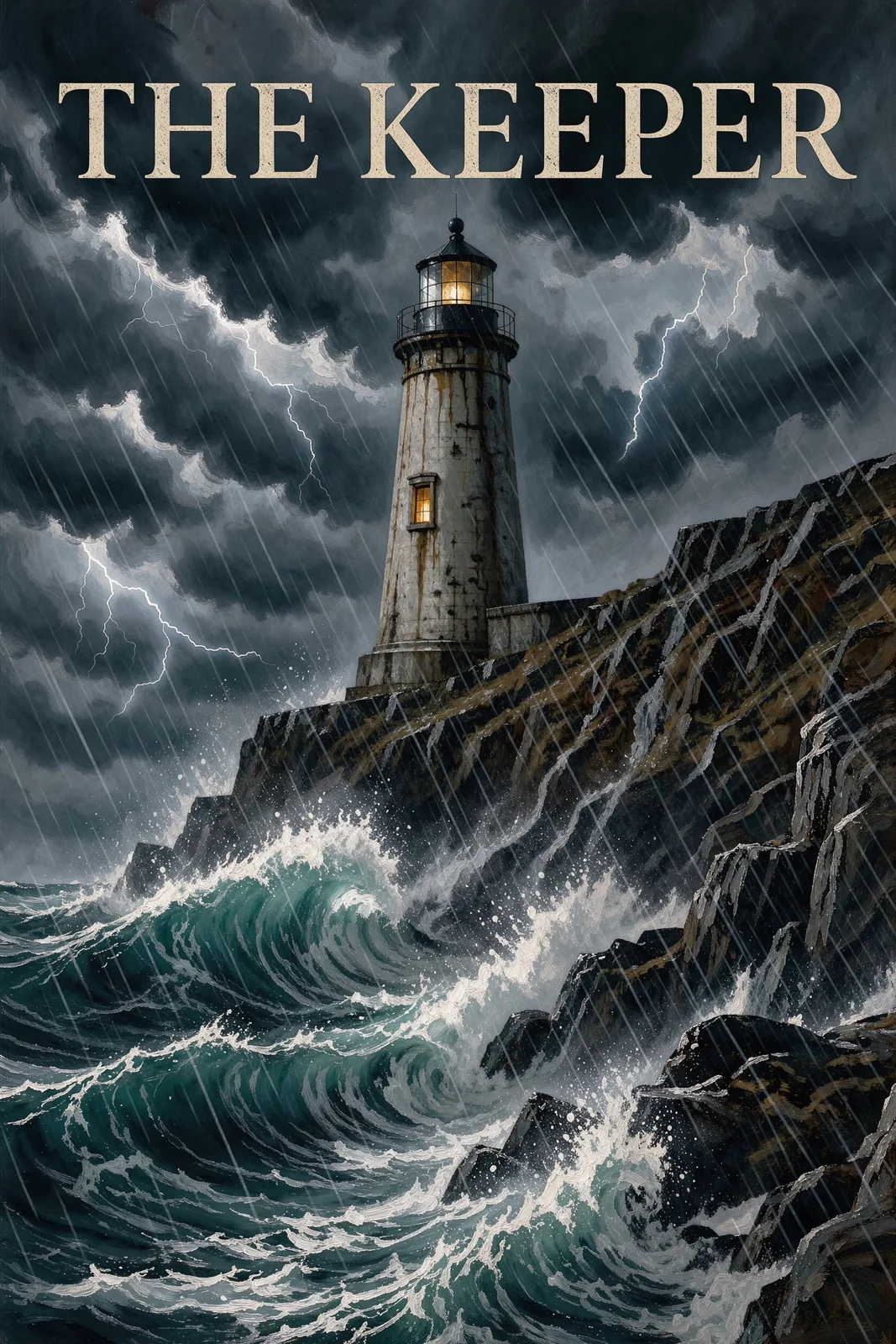
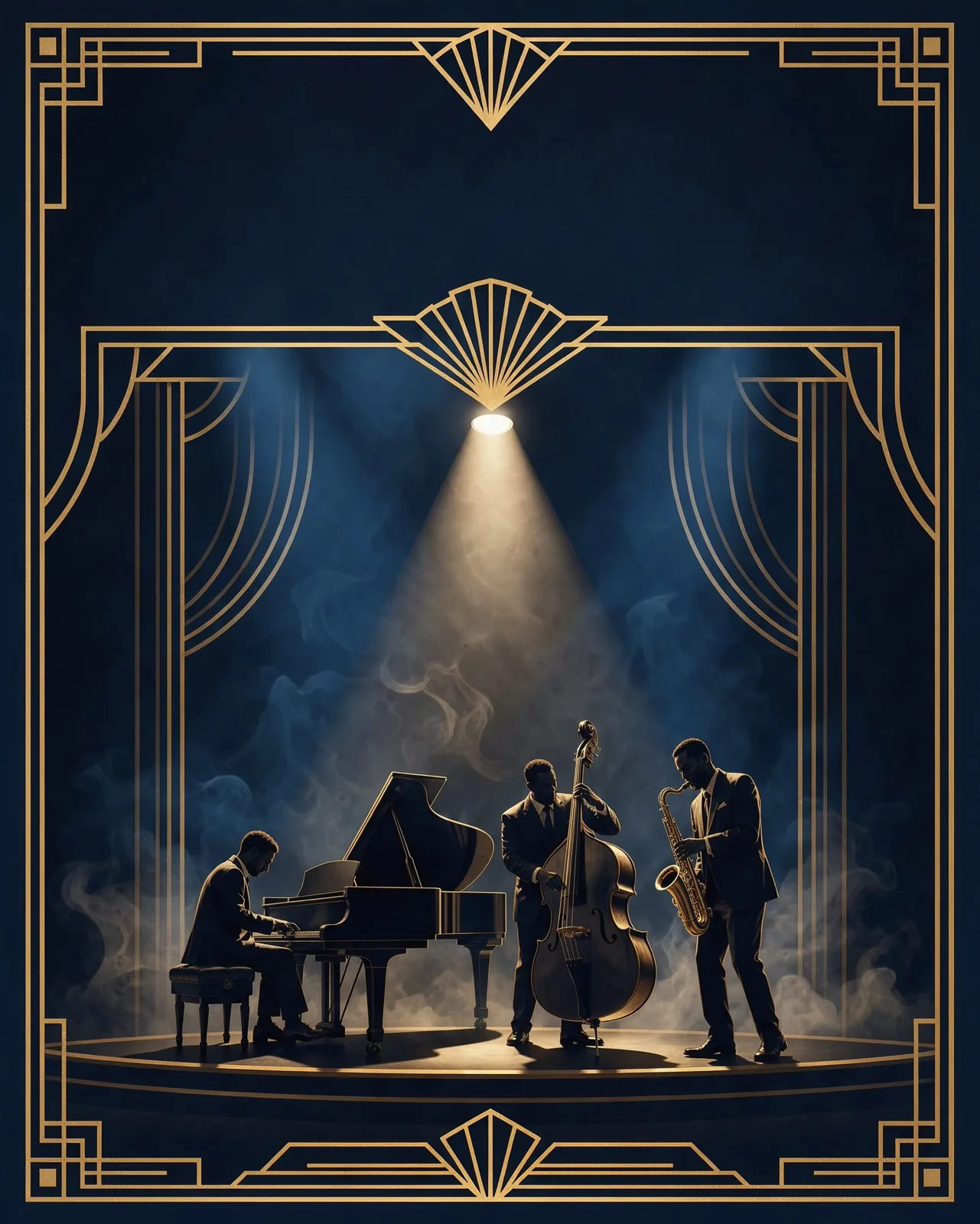
Book cover (2:3) made by a clone
2:3Book cover
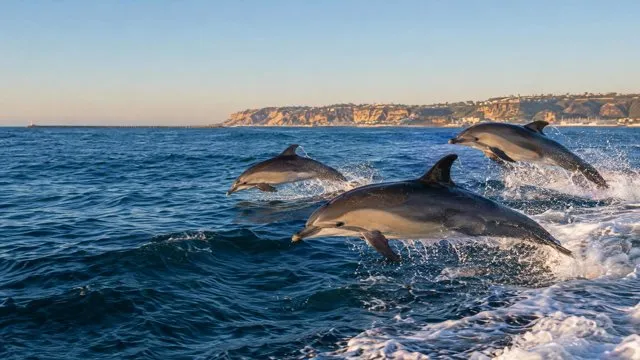
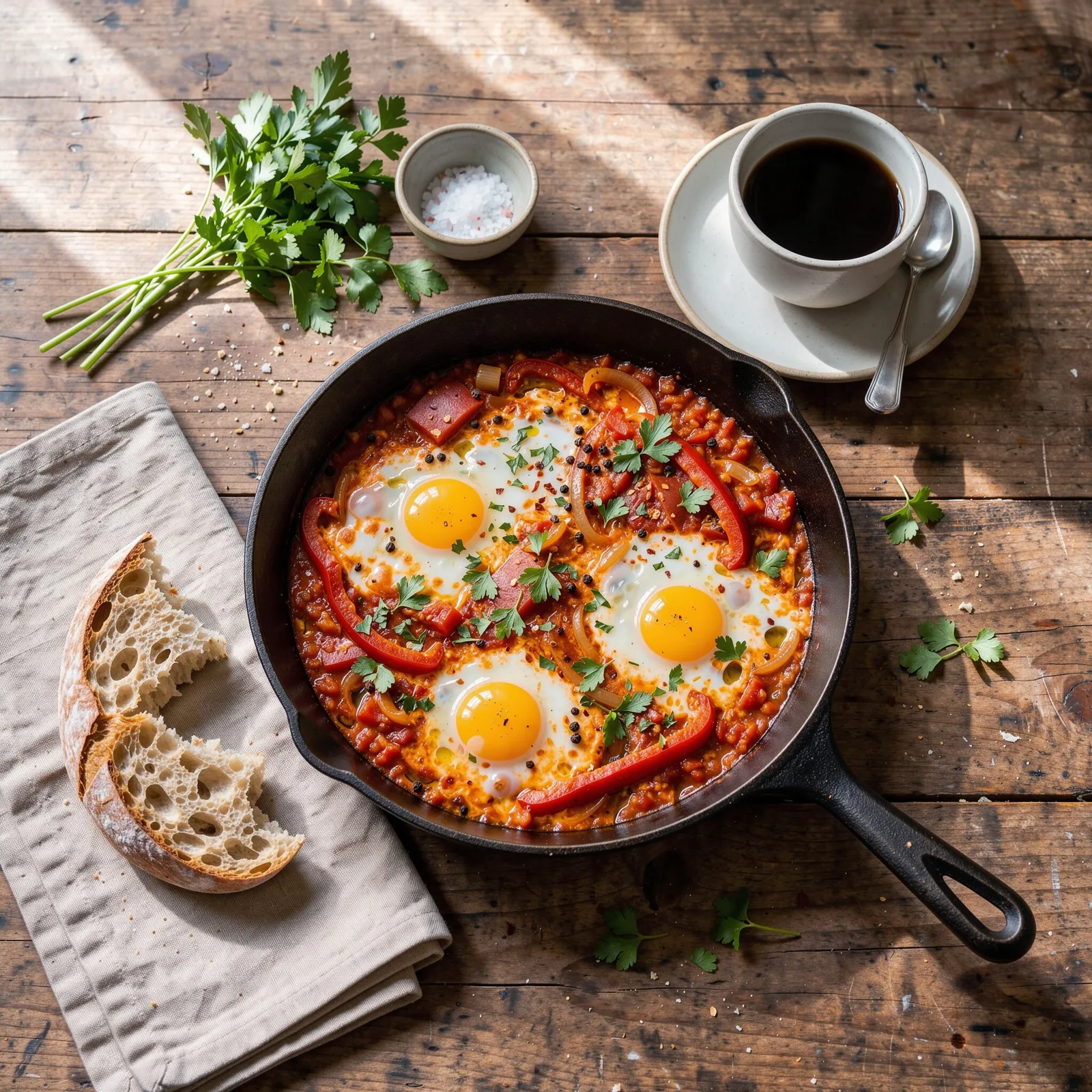
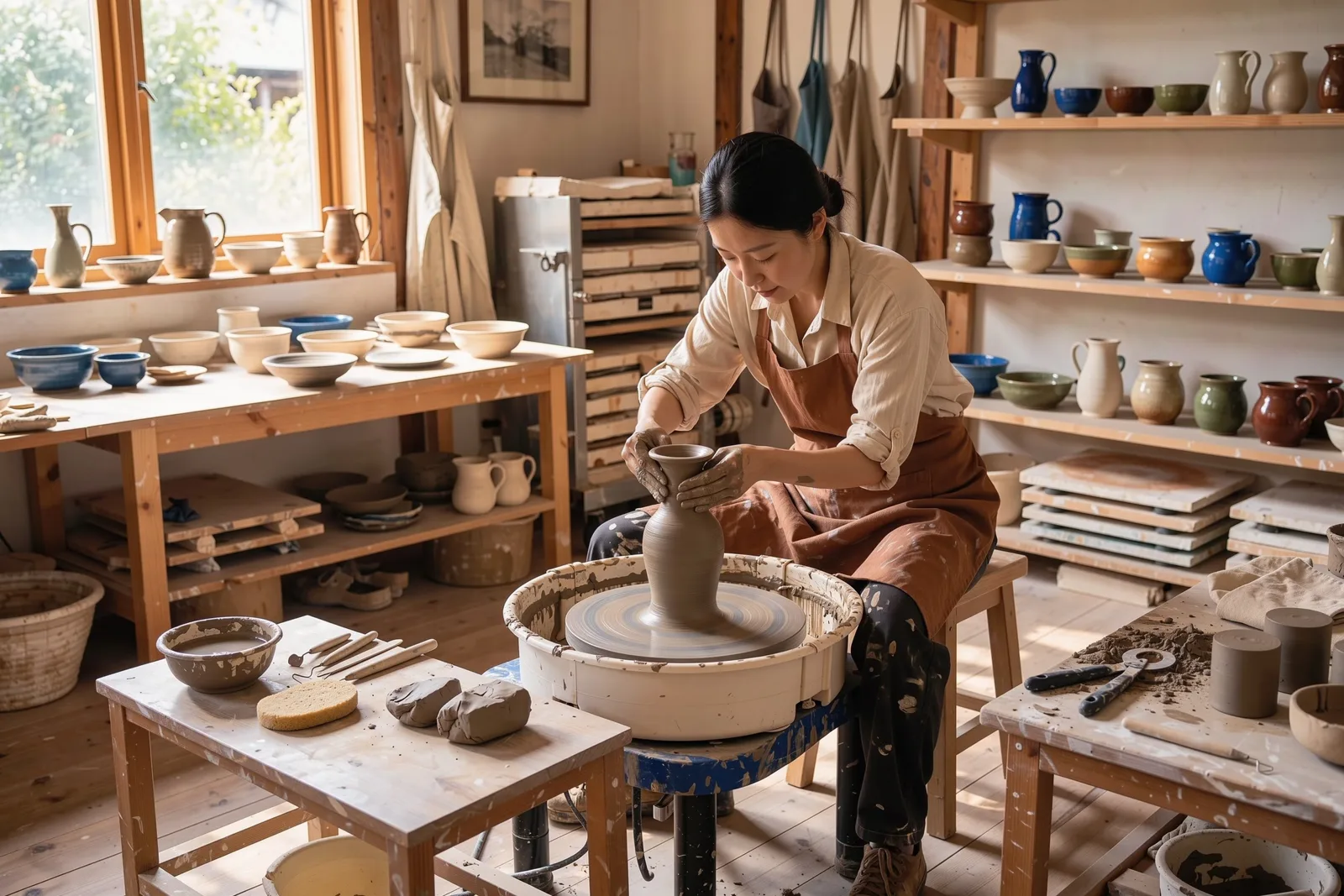
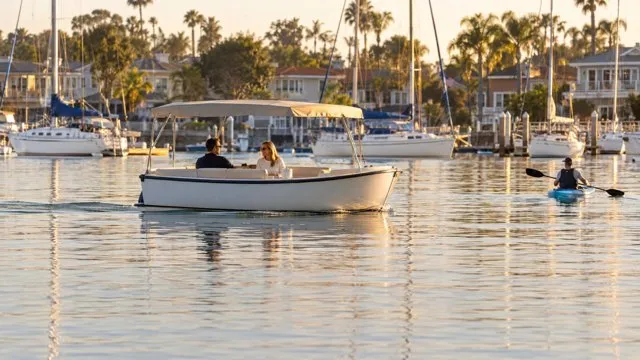
Editorial photo (3:2) made by a clone
3:2Editorial photo
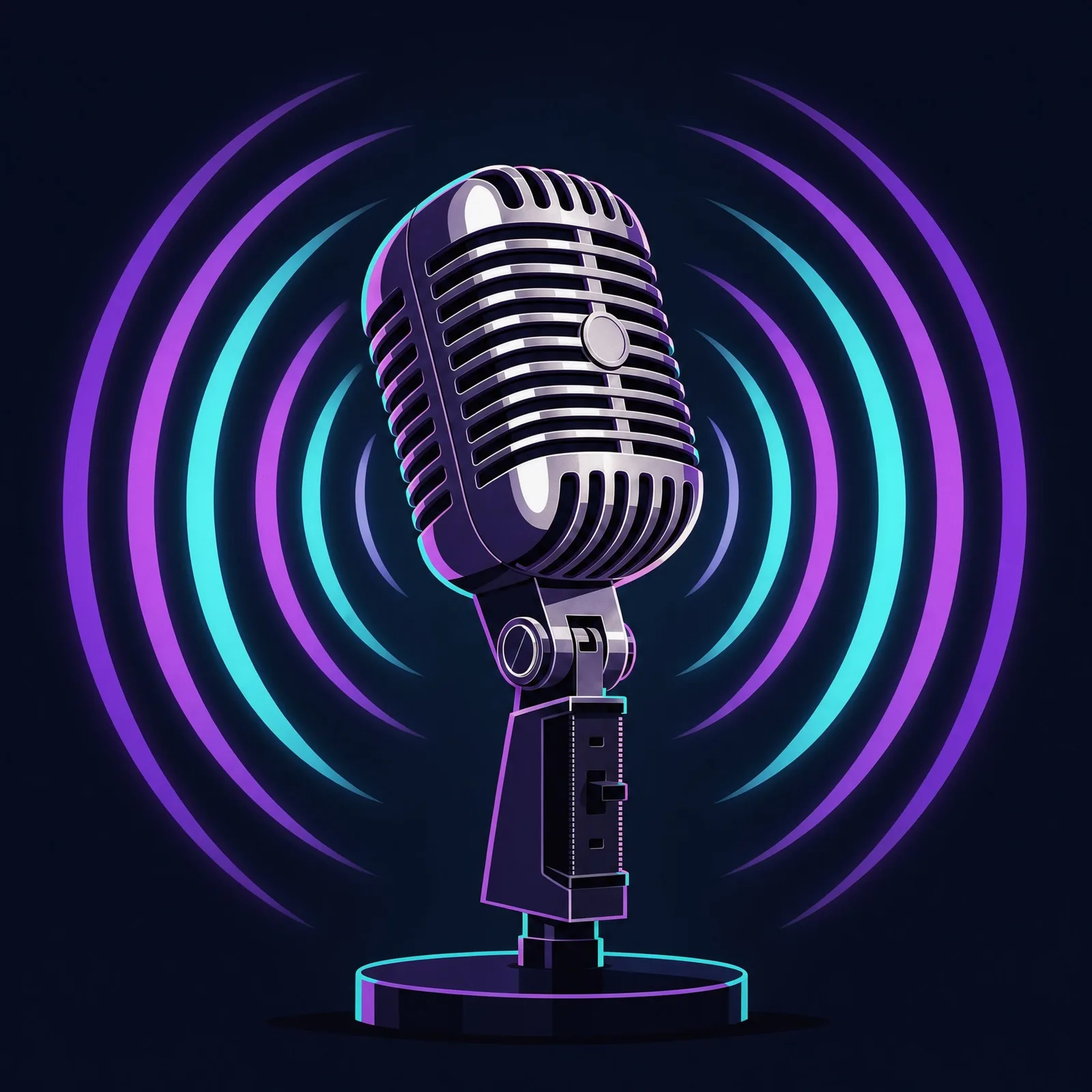
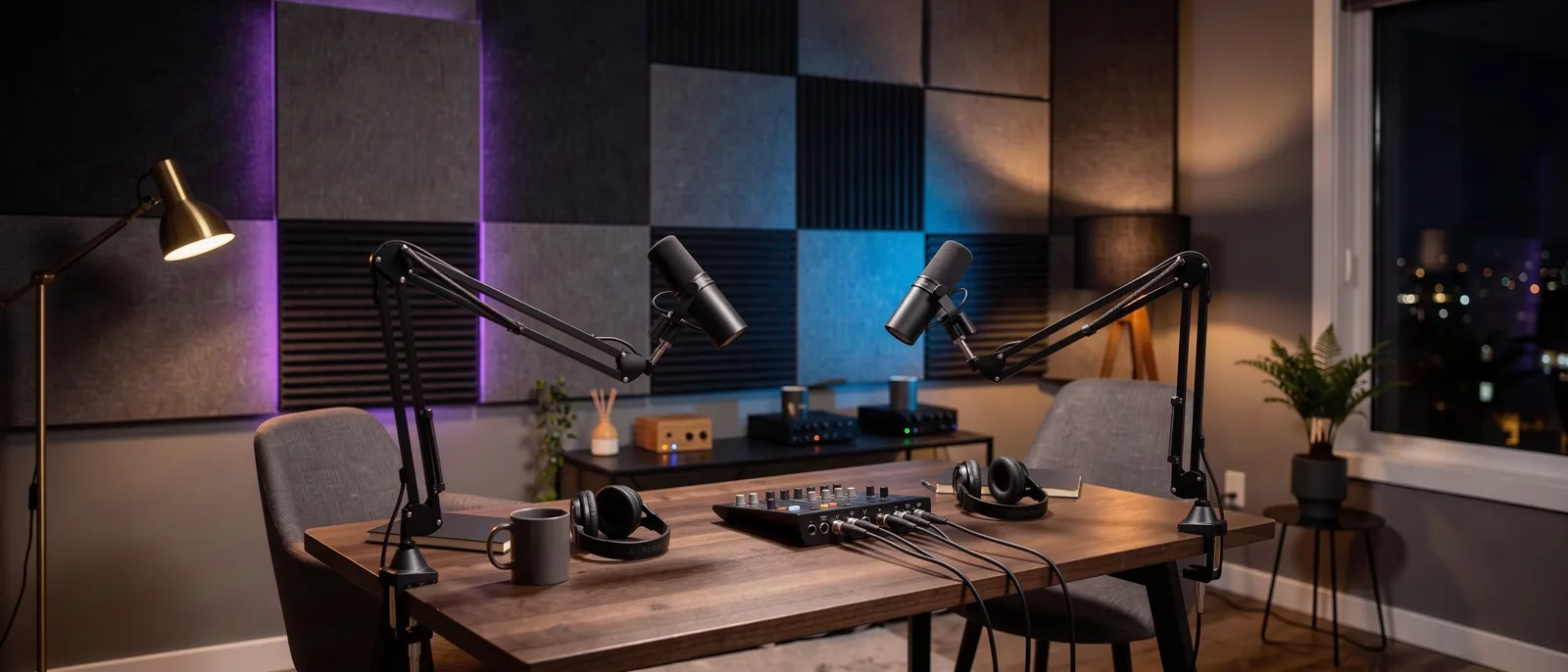
Podcast cover (1:1) made by a clone
1:1Podcast cover
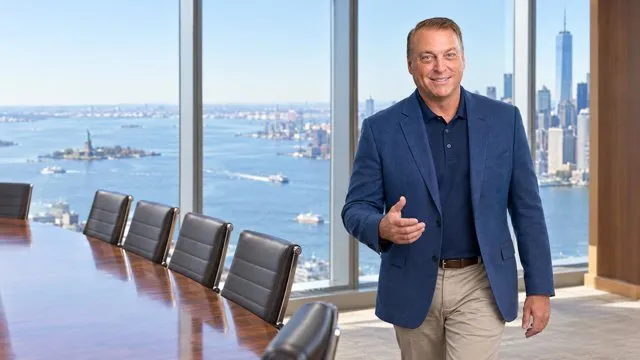
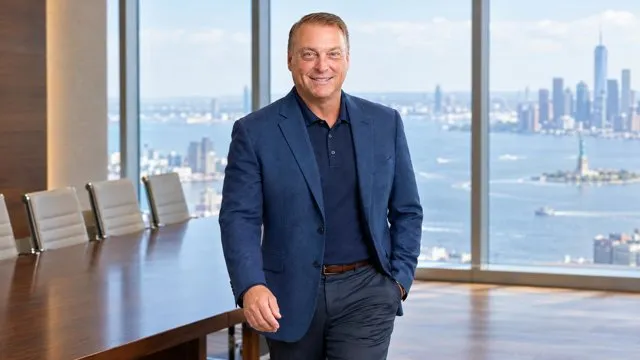
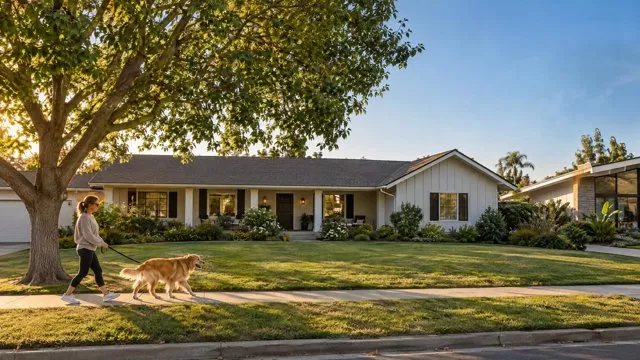
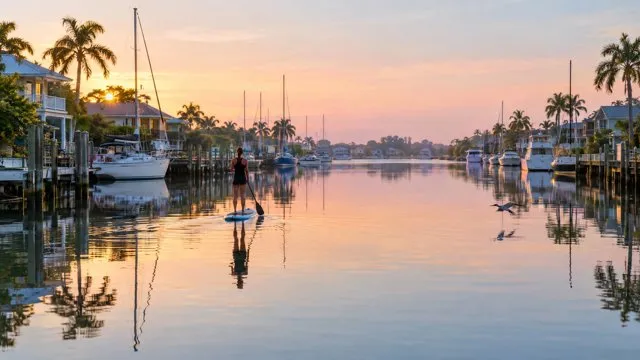
You, on location (16:9) made by a clone
16:9You, on location
Event poster (4:5) made by a clone
4:5Event poster
Website hero (21:9) made by a clone
21:9Website hero
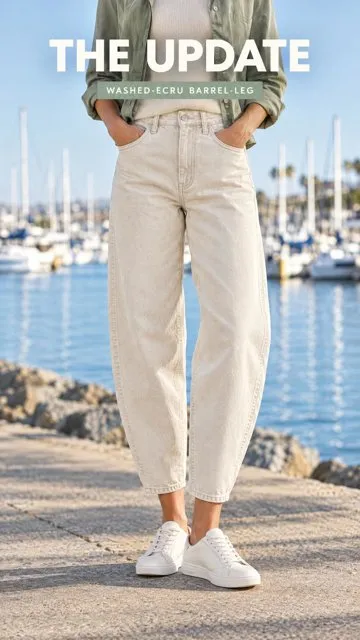
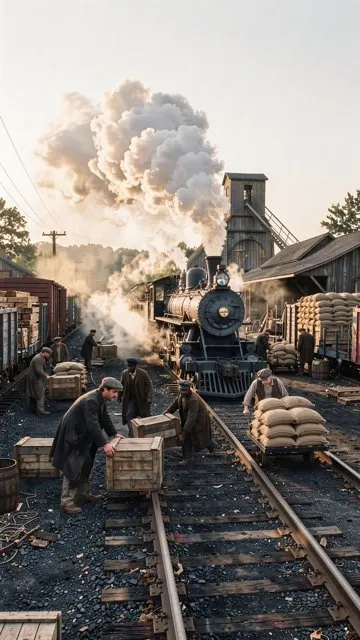
Fashion Short (9:16) made by a clone
9:16Fashion Short

Voice & Audio

Voiceovers in your own voice, music and sound effects, and transcripts of anything you've recorded.

Flagship

Voice Operator

Turns any text into speech in your clone's voice, or re-voices a recording up to 10 minutes long.

Tell your clone: “Read this week's newsletter in my voice and send me the MP3.”
  • Voiceovers in your own voice
  • Re-voice existing recordings
  • Up to 10 minutes per file

Audio Studio

Generates music and sound effects from text, transfers styles and edits audio.

Tell your clone: “Make a 30-second upbeat lo-fi intro for my podcast, no vocals.”

Transcription

Transcribes audio from a Google Drive or OneDrive link into text you can reuse anywhere.

Tell your clone: “Transcribe my voice memo from Drive and turn it into a blog outline.”

Edit & Publish

Trim, stitch, convert and watermark files, then get them up on your channel.

Flagship

Media Forge

Your clone's editing bay: trims, stitches, converts and watermarks audio and video files on request.

Tell your clone: “Cut the first 8 seconds off this clip, add my logo bottom-right, and give me an MP4 and a GIF.”
  • Trim, stitch and convert
  • Watermarks and logos
  • Audio and video, any common format

YouTube Operator

Manages your channel: uploads and updates videos, playlists, captions and comments, and reports on performance.

Tell your clone: “Upload this video to my channel as unlisted, add it to my Tutorials playlist and draft the description.”
Automated Video

89 video types. Built in.

Each type has its own structure, pacing, visuals and opener, so a storytime feels like a storytime and a product demo feels like a product demo. Name the type, or just describe what you want and your clone picks.

Creator & everyday

Storytime, vlogs, channel intros, Q&A, reactions, challenges, builds and drama.

Music

2 types

Music videos and shot lists cut to a song.

Bring your own script; your clone produces it word for word.

Business & enterprise See these for teams on clone.org ↗

How it works

From one sentence to a finished piece.

Ask in chat

Tell your clone what you want, the way you'd tell a person. Name a video type or just describe it.

It does the homework

Your clone researches the topic, pulls from its knowledge, and writes the script in your voice.

You approve

Review the script and the storyboard. Change a line, swap an image, or approve as-is.

It produces

Images, motion graphics, AI video, your on-screen avatar, voice, music and captions, assembled scene by scene.

You post

Get the finished file with a ready-to-post title, description and tags. Ask for a square version too.

Running a business?

Put a digital employee in charge of your media.

See how teams use Clone Media for product demos, training, customer stories and always-on social content.

FAQ

Questions, answered.

What can my clone make?

Finished videos in 89 types, images and thumbnails of you, voiceovers in your voice, music and sound effects, transcripts, and file edits like trims and conversions. It can also manage your YouTube channel.

Do I have to be on camera?

No. Your clone can present as you from your headshot, narrate in your voice over visuals, or both. You never have to film.

How do I ask for something?

Message your clone in chat, or wherever you talk to it: phone, text, email, Slack or Teams. Describe what you want in plain words.

Can I check things before they're made?

Yes. Ask for the script and storyboard first. Edit a line, regenerate an image, swap a shot, then approve.

What sizes can I get?

Landscape 16:9 for YouTube, vertical 9:16 for Shorts, Reels and TikTok, and square 1:1 when you ask for a square version too.

Will my clone post for me?

Finished videos arrive by email with a ready-to-post title, description and tags. The YouTube Operator can upload to your channel. You post to TikTok and Instagram yourself.

Can I use my own script or photos?

Yes. Hand over a script and your clone uses it word for word, or send photos, clips and brand material to build around.

How much does it cost?

Individuals can start with the 30-day Free Trial, then pick the plan that fits.