
Any clip you can describe, from 18 video models
Need a quick shot? Describe it, or send a photo, and your clone generates the clip with the right model for the job.
Sometimes you don't need a whole video, just the shot: a five-second loop, a dreamy b-roll moment, a photo that comes alive. Video Clips gives your clone 18 video models from six providers. Start from text, an image, a portrait or audio, and your clone picks a model that fits.
Use clips as b-roll in your edits, intros, animated thumbnails, stream backgrounds or standalone posts. Animate old family photos, bring your paintings to life, or generate a scene that would be impossible to film on your budget. Ask for a specific model if you have a favorite, or let your clone choose.
Just tell your clone: Video Clips
Type it the way you'd say it. Tap any line to copy it.
- Animate this photo of the lake at sunrise into a 5-second clip with slow mist.Copy
- Make a 6-second clip of a tiny astronaut walking across my desk.Copy
- Bring this portrait of my grandparents to life with a gentle smile.Copy
- Make a looping clip of rain on a café window for my study stream background.Copy
- Animate my painting so the clouds drift and the river flows.Copy
- Make an 8-second aerial shot over a foggy pine forest for my intro.Copy
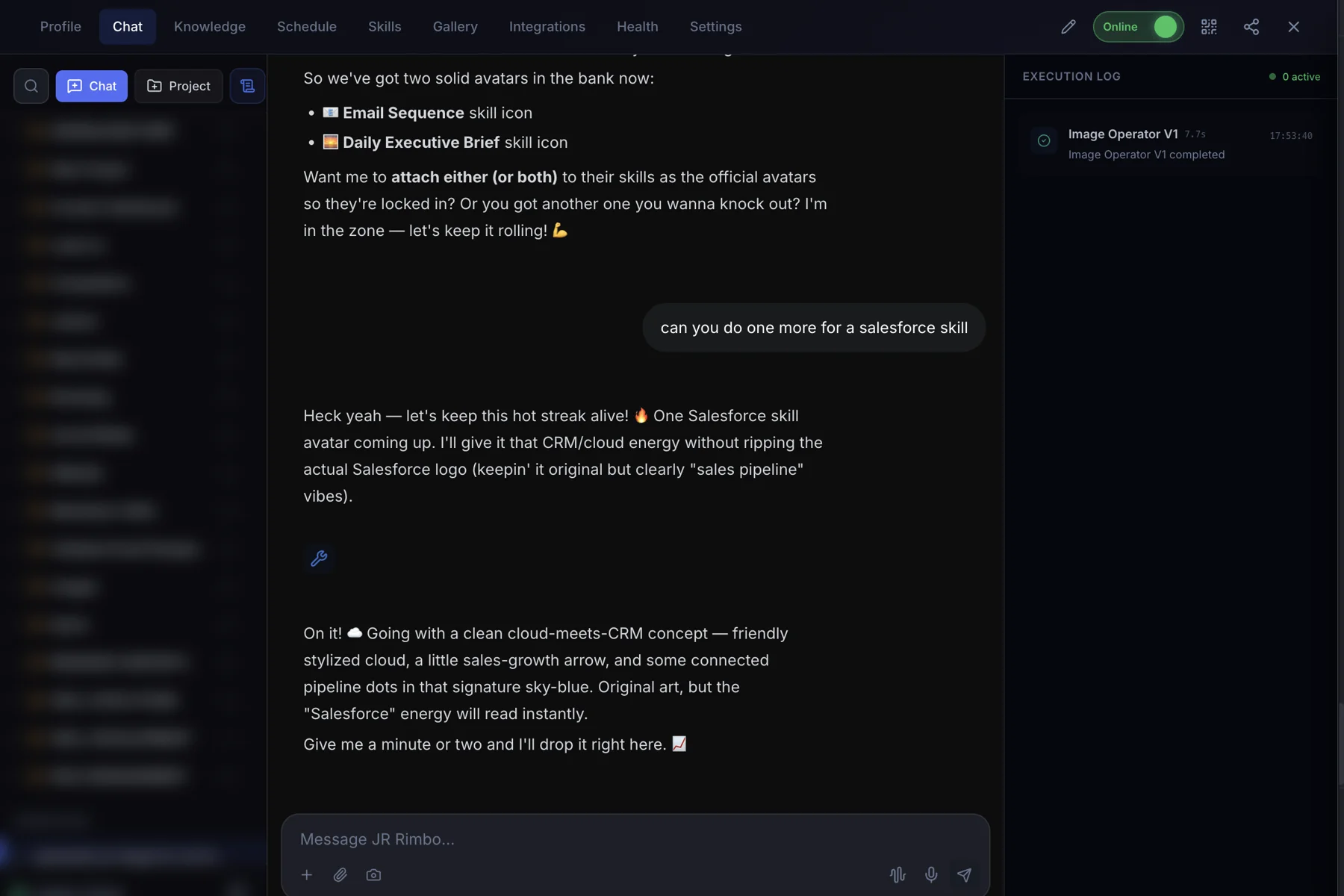
This is what it looks like.
- 1Open your clone's Chat tab. Every clone has one, right next to Knowledge, Schedule and Skills.
- 2Ask in plain words. “Animate this photo of the lake at sunrise into a 5-second clip with slow mist.”
- 3Watch Video Clips run. The Execution Log on the right shows each skill as it starts and finishes, then your result lands in the chat.
 123
123Video Clips: questions, answered.
What can I start from?
Text, an image, a portrait or audio. Your clone uses the right type of model for what you send.
Which models are included?
Video Clips has access to 18 video models from six providers. Your clone picks one that suits the shot, or you can ask for a specific one.
How long are the clips?
Short clips, usually a few seconds, depending on the model. For a full video with script and voiceover, use Automated Video.
Can I use clips in my own edits?
Yes. Download them and drop them into any editor, or have your clone stitch them with Media Forge.
Video Clips for your team
Clone.org covers how businesses put this skill to work through a digital employee.