
Custom music and sound effects, from a description
Describe the sound you want. Your clone makes the intro, the music bed or the effect and sends it over.
Stock music libraries are full of tracks every other channel is already using. Audio Studio has your clone generate music and sound effects from a text description, so your podcast intro, channel theme, transition whoosh or end-of-video jingle is yours alone. Describe the mood, tempo and length, and your clone makes it.
It can also transfer the style of a track and make audio edits. Turn an acoustic riff into synthwave, trim a bed to fit your video, or clean up an ending, all without opening an audio editor. Pair it with your voiceover for a complete soundtrack.
Just tell your clone: Audio Studio
Type it the way you'd say it. Tap any line to copy it.
- Make a 30-second upbeat lo-fi intro for my podcast, no vocals.Copy
- Make a whoosh transition sound for my Shorts.Copy
- Make a calm piano bed for my meditation video, 3 minutes.Copy
- Make a crowd cheering sound effect for my reaction videos.Copy
- Turn this guitar riff into a synthwave version.Copy
- Make a short jingle for the end of my cooking videos.Copy
This is what it looks like.
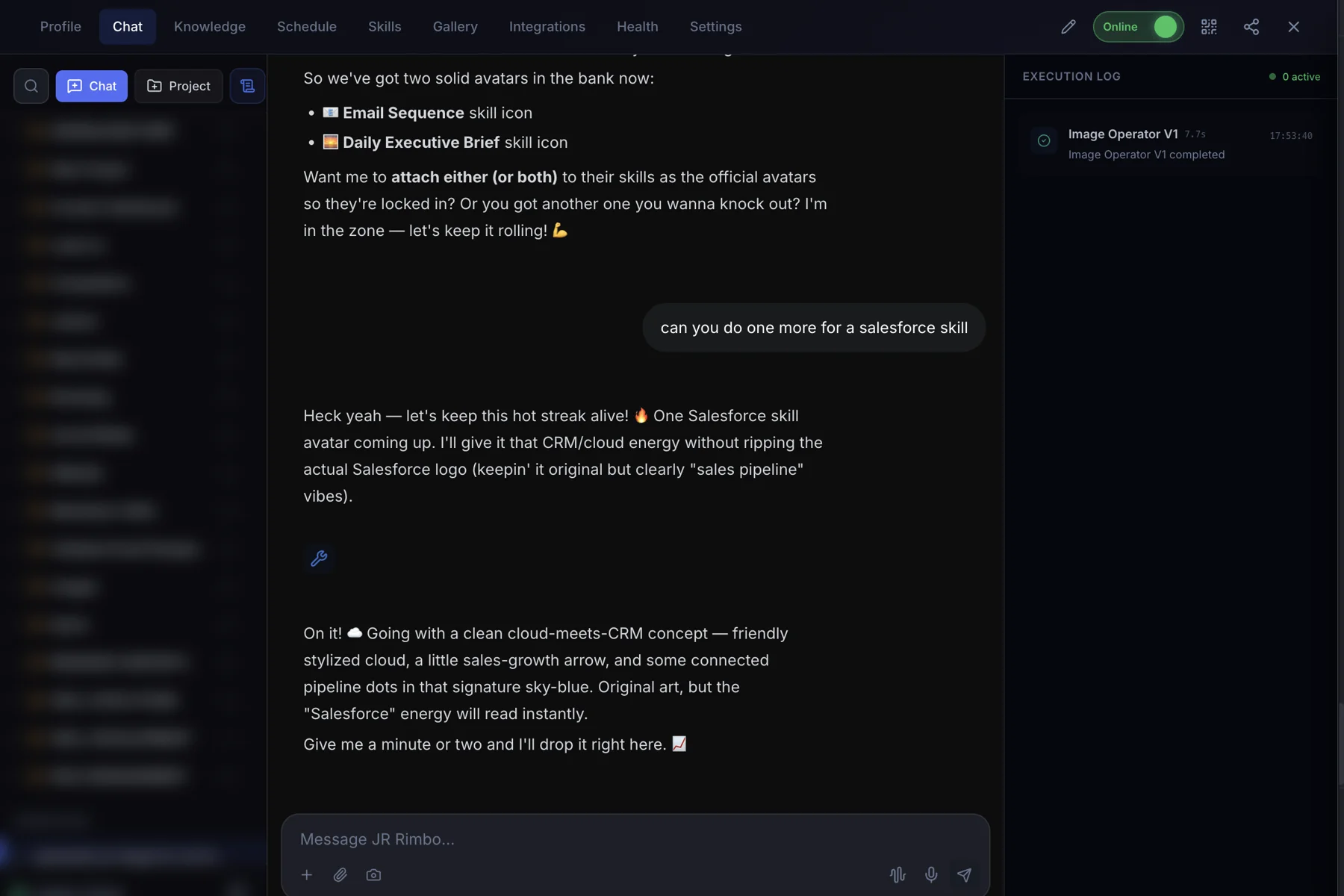
- 1Open your clone's Chat tab. Every clone has one, right next to Knowledge, Schedule and Skills.
- 2Ask in plain words. “Make a 30-second upbeat lo-fi intro for my podcast, no vocals.”
- 3Watch Audio Studio run. The Execution Log on the right shows each skill as it starts and finishes, then your result lands in the chat.
 123
123Audio Studio: questions, answered.
Can it make music without vocals?
Yes. Just ask for instrumental.
What is style transfer?
Your clone reshapes audio into a different style, like turning an acoustic riff into an electronic one.
Can it make sound effects?
Yes. Describe the sound and your clone generates it.
Can it edit my existing audio?
Yes. Send the file and describe the edit.
Audio Studio for your team
Clone.org covers how businesses put this skill to work through a digital employee.