
Turn your recordings into text you can use
Drop a Drive or OneDrive link. Your clone transcribes it and can turn it into your next post or script.
Your best ideas are often trapped in voice memos, livestream recordings and podcast episodes. Transcription has your clone turn audio from a Google Drive or OneDrive link into clean text, so you stop scrubbing through recordings looking for that one great line you said on a walk last Tuesday.
Then keep going: ask your clone to shape the transcript into a blog outline, show notes, a script or a social post. One recording can feed a whole week of content. Pair it with Voice Operator to edit the text and have your clone read it back cleanly.
Just tell your clone: Transcription
Type it the way you'd say it. Tap any line to copy it.
- Transcribe my voice memo from Drive and turn it into a blog outline.Copy
- Transcribe this podcast episode and write show notes.Copy
- Transcribe my OneDrive recording and pull out five quotes for posts.Copy
- Transcribe this interview and turn it into a 60-second Short script.Copy
- Transcribe my brainstorm memo and list every video idea in it.Copy
- Transcribe this lecture recording so I can make study notes.Copy
This is what it looks like.
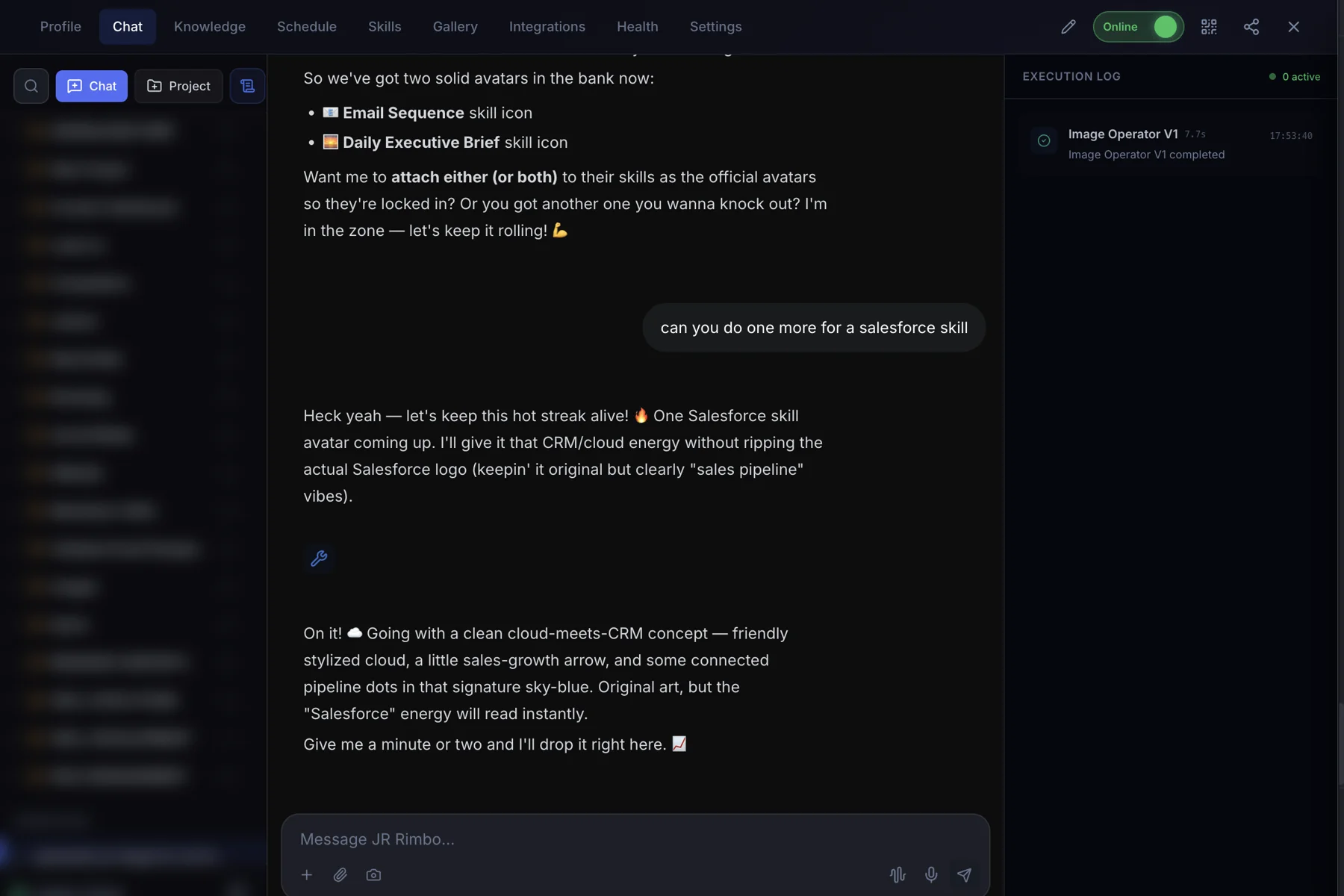
- 1Open your clone's Chat tab. Every clone has one, right next to Knowledge, Schedule and Skills.
- 2Ask in plain words. “Transcribe my voice memo from Drive and turn it into a blog outline.”
- 3Watch Transcription run. The Execution Log on the right shows each skill as it starts and finishes, then your result lands in the chat.
 123
123Transcription: questions, answered.
Where does the audio need to be?
In Google Drive or OneDrive. Share the link with your clone.
What file types work?
MP3 audio files shared from Drive or OneDrive.
Can it summarize too?
Yes. Ask your clone to summarize, outline or rewrite the transcript after it's done.
Can I use the text anywhere?
Yes. It's your text to reuse in posts, scripts and notes.
Transcription for your team
Clone.org covers how businesses put this skill to work through a digital employee.